Korean Resume Photo: Create a Professional Headshot in 5 Minutes For Free
Finding the right photo for a Korean resume can be stressful, especially if you do not have time or money for a studio or overseas. The good news is that you can create a polished, professional-looking resume photo in just a few minutes with the right AI workflow and prompt.

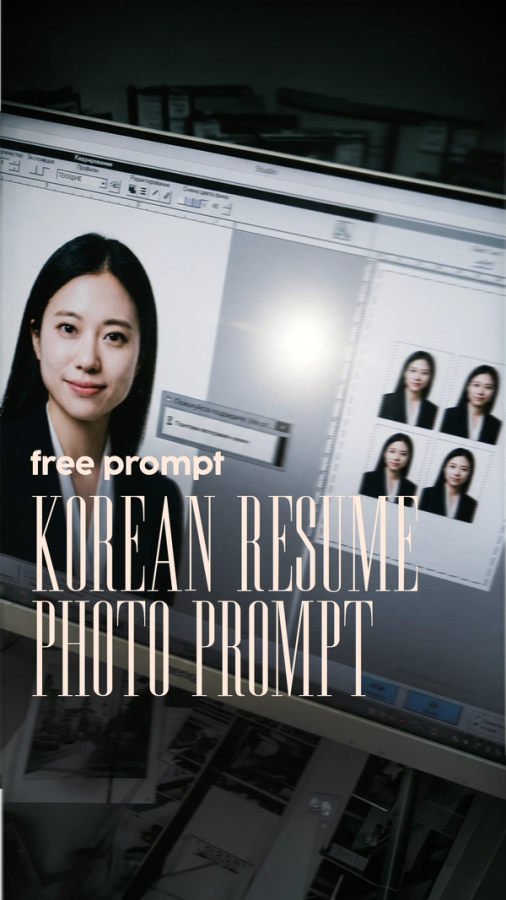
In Korea, a resume photo is often expected especially if you’re a foreigner and it should look formal, clean, and recent. That means a centered head-and-shoulders shot, business attire, a neutral expression, and a plain white background. The goal is to look professional and trustworthy, not overly studio-edited or casual.
What you need
You only need three things:
- A clear selfie of you with good lighting.
- A strong AI prompt that describes the exact resume look you want.
The selfie should be sharp, front-facing, and free of heavy filters. Avoid wearing glasses, hats or other heavy accessories. A plain background and natural lighting will help the final result look more realistic.
Simple 5 minute process
Here is the workflow you can follow:

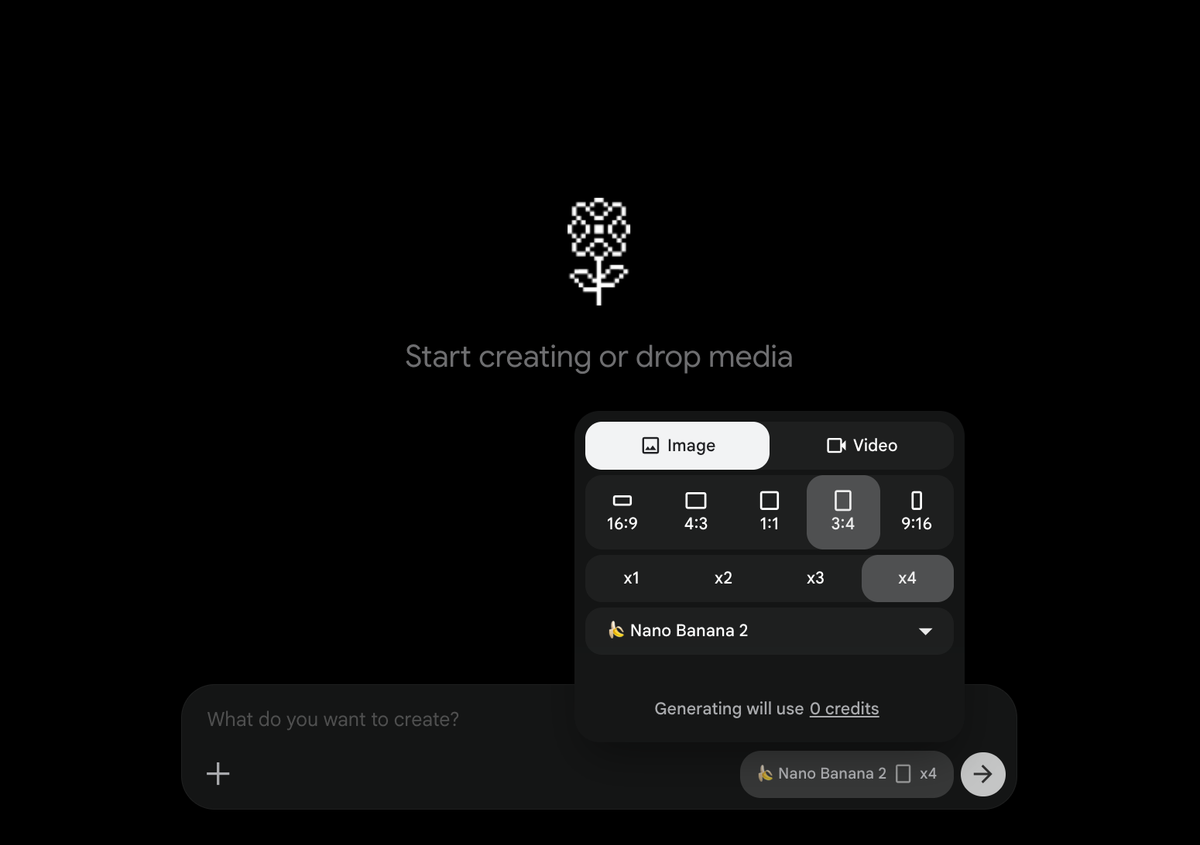
- Open Google Flow and create a new project.
- Select Nano Banana 2 or Nano Banana Pro, set the image to 3:4 ratio, and upload a clear selfie of yourself
- Paste in the prompt below
- Generate the image a couple of times (ideally around 8 times) and choose the cleanest, most professional result.
- Save it for your Korean resume.
This method is fast, free, and much easier than booking a studio session.
Best prompt to use
Use this prompt to generate a clean Korean-style resume headshot:
A photorealistic, high-resolution portrait photograph formatted as a formal resume headshot of the subject from the uploaded reference photo. The subject is centered in the frame, facing directly forward and looking straight into the camera with a calm, professional, slightly smiling expression. The pose is symmetrical and poised. The skin should have a natural matte texture with visible pores and subtle real-world imperfections for an authentic look. The subject is wearing business attire. Use soft, even studio lighting with gentle shadows and a seamless solid white background with no texture, shadows, or distractions. Keep the face and upper torso in sharp focus while the background remains completely uniform. No text, no frames, no props. Eye-level camera angle, natural color, high detail, and a polished professional finish.Swap any photo with your face
If you would like to take an existing professional photo and swap it, here’s the prompt you can use:
Swap only the face of the person in the second image onto the face of the person in the first image. Ensure that the face swap is seamless, preserving the original body, posture, and background of the right image. The final output should be a high-quality image showing the first image with the swapped face from the second image.

1. Identify and extract the face from the person on the in the second image.
2. Identify the person on the first image and locate their face.
3. Swap only the face from the second image onto the face of the person on the first image.
4. Blend the swapped face naturally into the first image, maintaining lighting, color, skin tone, and orientation.
5. Preserve the rest of the first image as is.
You can either use ChatGPT or Google Flow. I personally recommend Google Flow because they produce consistent results for your face.
You can find reference images on Pinterest, and make sure you upload the reference image FIRST and then a selfie of yourself second.
Tips for a better result
To make the photo look more believable, keep the lighting soft and avoid selfies with harsh shadows. Wear a plain shirt, blouse, or blazer in the reference photo so the AI has a strong base to work from. If the first result looks too casual, regenerate with a slightly more formal reference image or adjust the prompt to emphasize business attire and a neutral, slightly smiling expression.
Do you need more help?
Looking to break into the Korean job market, but struggling? Feel free to contact me directly through this link and I’ll see how I can help you!